Your community plugin has no events
BuddyPress gives you profiles, groups, and activity. It gives you nothing for the meetups your members keep asking about.
For community builders
Eventonomy adds a member-first events layer to your BuddyPress, BuddyX, or Reign site. Members create, RSVP, and follow. You approve and watch the calendar fill.
Built by the makers of BuddyX and Reign · works with any theme
Sounds familiar?
BuddyPress gives you profiles, groups, and activity. It gives you nothing for the meetups your members keep asking about.
Generic event plugins were built for marketing sites. They ignore your members, your roles, and your activity stream.
Members email you their event details. You retype them into the admin. The calendar is only as busy as you are.
Member dashboard
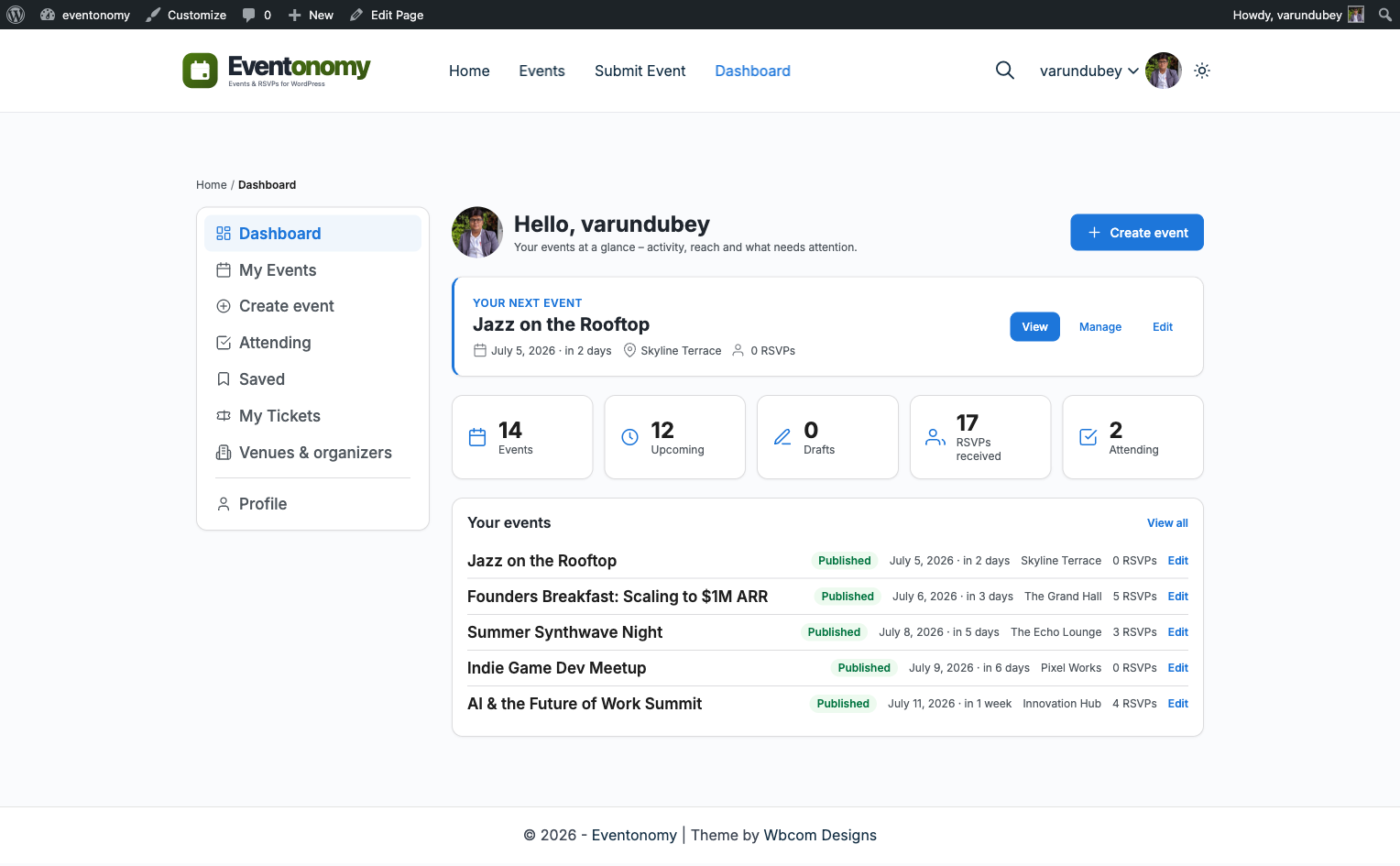
Every member gets a dashboard with their RSVPs, drafts, and published events. Organizers manage attendees and exports from the same page. No wp-admin required.
Frontend submission
Pick a minimum creator role and members submit events from the frontend. Turn on approval mode and every submission waits in a pending queue for your review.
Discovery · Pro
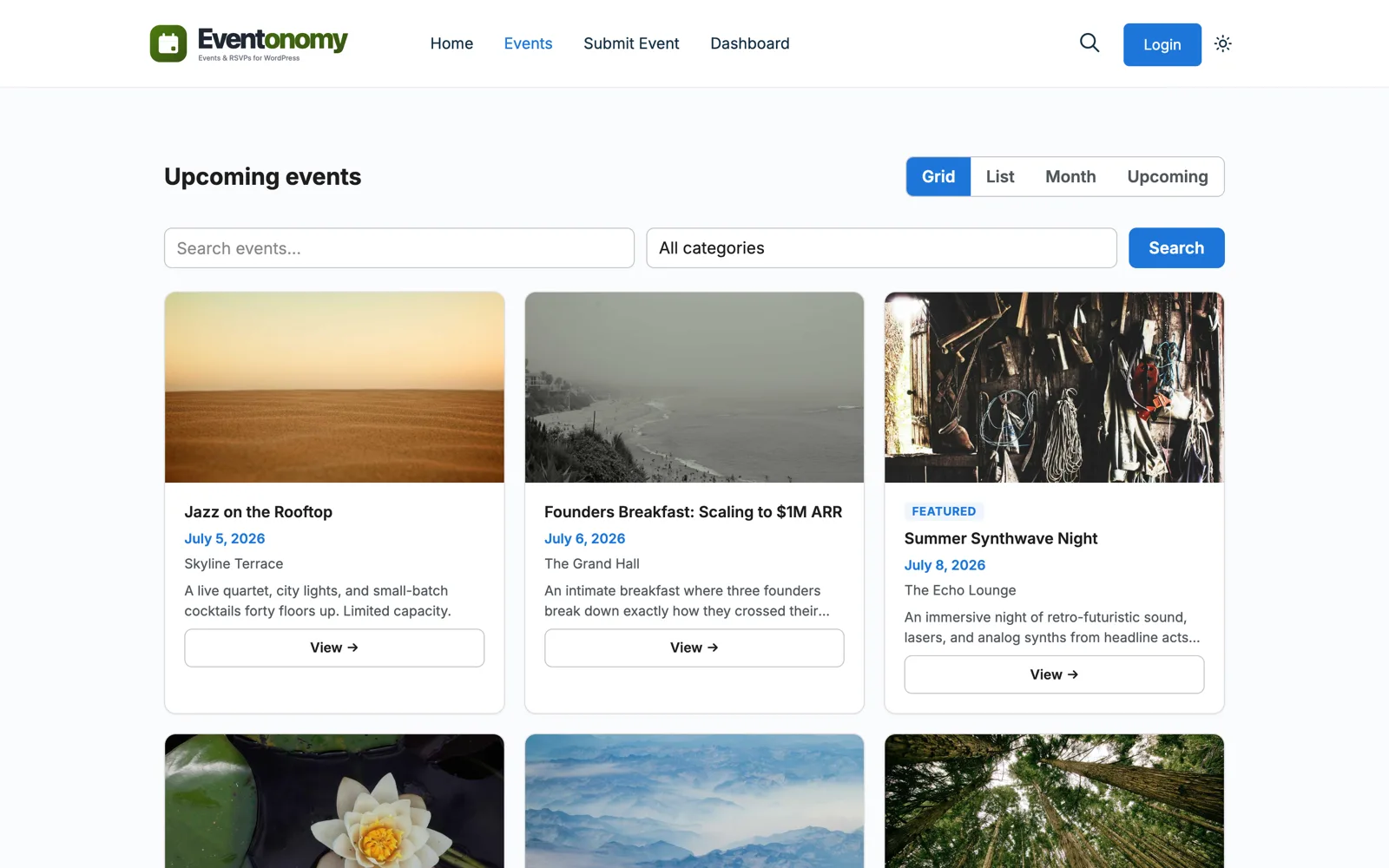
Eventonomy Pro adds a Discovery Feed block that members filter by city and category, live on the page. A Follow button saves events and organizers into each member's Saved section.
The Wbcom family
Eventonomy comes from Wbcom Designs, the makers of BuddyX and Reign. All 18 blocks inherit your theme styles, so events look native on day one.
Add Jetonomy for forums and Learnomy for courses, and the whole community runs on one WordPress site.
Explore the ecosystemA week on your site
A member drafts "Photography walk" from the /my-events/ dashboard and submits it.
You approve it from the pending queue. It publishes at a pretty URL.
Members RSVP in one click. Others follow the event to their Saved list.
Branded confirmation emails have gone out. The organizer checks the attendee list.
Eighteen members show up. You did not retype a single event detail.
Which plan?
Free covers member submission, RSVPs, waitlists, and the dashboard. Move to Pro when you want the Discovery Feed, Follow buttons, paid tickets, or organizer reports.
Questions
No. Eventonomy runs on any WordPress site. It was built by the team behind BuddyX and Reign, so it feels native inside a member community.
Both, though the two halves are built on opposite sides. For BuddyPress, Eventonomy Pro adds group and member-profile event tabs, activity and notifications, tested with BuddyX and Reign. For BuddyNext the bridge lives in BuddyNext Pro and needs only Eventonomy free: members RSVP from the feed card without opening the event, the headcount updates for everyone watching, and events get their own profile and space tabs. Eventonomy also sends registration and cancellation notices to the BuddyNext notification inbox, which needs a current BuddyNext on the other side.
Yes. Set a minimum creator role, and members submit events from the frontend dashboard. An optional approval queue lets you review before anything publishes.
Yes. Set an event to Private and only logged-in users with access can see it. Public events stay open to everyone.
Yes. An event has a home group but can also be linked to any other group the organizer belongs to, so a federation or a multi-chapter organization can run one calendar entry across every chapter instead of duplicating it. Links can be added or removed later without touching the event itself.
Any logged-in member can report an event from its page with a reason and an optional note. The event's author and the site admin both get an email with a link straight to it, so a problem surfaces before it festers in the comments.
Install the free plugin, set a creator role, and let the community do what communities do.