Dashboard
Stat cards for drafts, pending, published, and attending, plus a next-event spotlight.
Features · Frontend submission
Most event plugins assume one admin creates everything. Eventonomy gives members their own /my-events/ dashboard: they draft, submit, and manage events without ever seeing wp-admin.
The dashboard, frontend editor, and approval queue all ship in the free plugin.
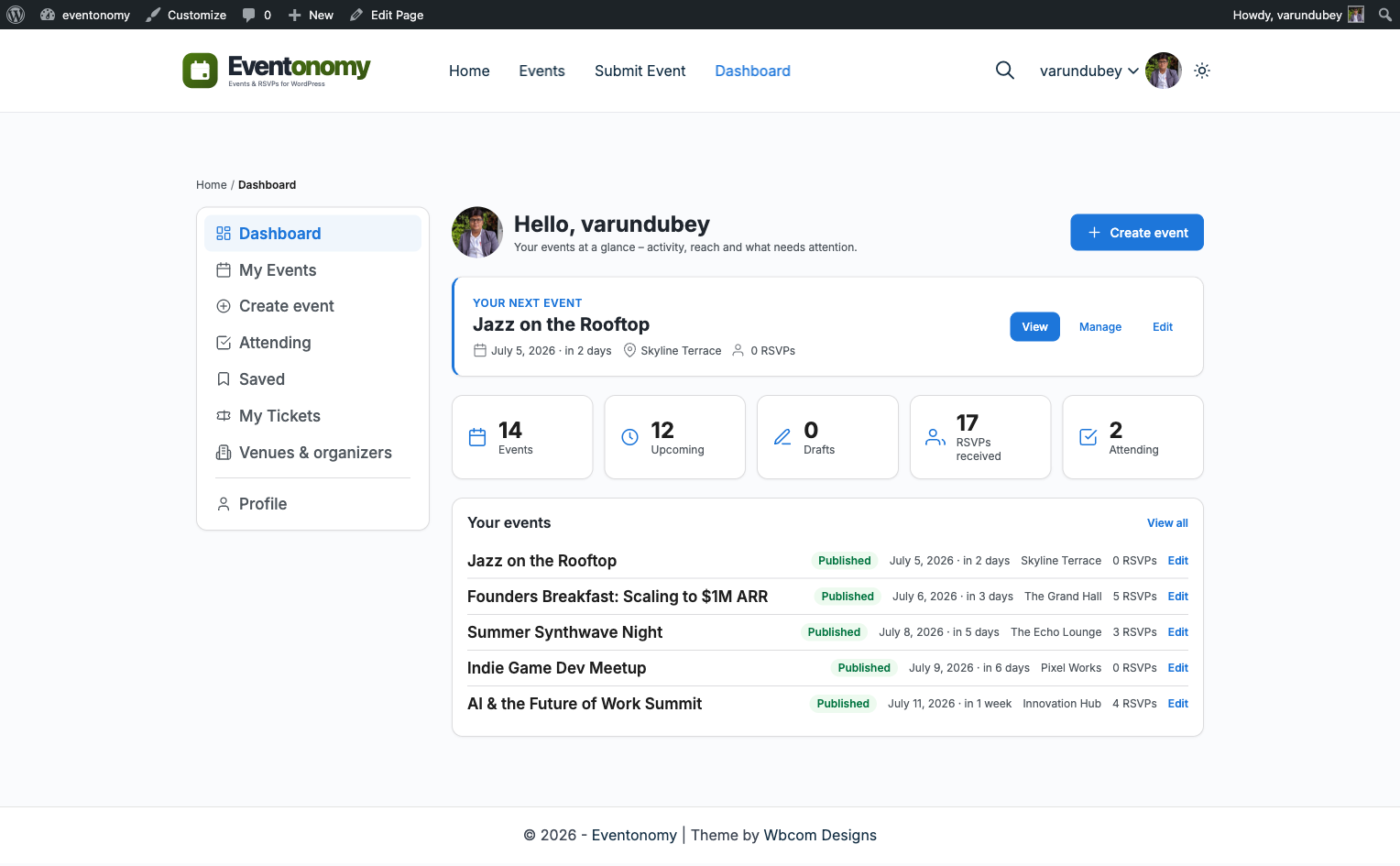
The member dashboard
Sections are routed server-side, so every one is deep-linkable and works without JavaScript.
Stat cards for drafts, pending, published, and attending, plus a next-event spotlight.
Every event the member created, with lifecycle tabs from draft to cancelled.
The frontend event editor, embedded in the dashboard shell.
Events the member has RSVPs for, with their current status.
The shared catalog, browsable for reuse in the next event.
Pro adds saved events and a paid-order history.
Approval mode
Turn on approval mode and member submissions enter a pending review queue instead of publishing straight away. You approve, they go live.
The editor shows "Submit for review" instead of "Publish" for gated users.
New submissions wait in the Moderation inbox under Eventonomy, next to member reports of live events.
The event goes live on approval, and the member sees its status in their dashboard.
Guardrails
Set a minimum WordPress role for event creation, or allow any logged-in user. Members below the bar never see the Create event item.
Cap how many events one member can create. Default statuses for new events are yours to set: draft, pending, or published.
Members pick venues and organizers from the shared catalog while creating. An address entered once serves every future event, and you can mark entries Verified.
Want more for organizers? See what Pro adds.
Keep exploring
Frontend submission, the member dashboard, and the approval queue are free.