Selling seats means renting a platform
Webinar tools and ticket platforms charge monthly, or take a slice of every seat you sell.
For educators and creators
Workshops, webinars, and cohort kickoffs sell from your own WordPress site. Flat license, Stripe and PayPal built in, and no per-seat cut.
Free RSVPs and series cost nothing · paid checkout is a Pro capability
Sounds familiar?
Webinar tools and ticket platforms charge monthly, or take a slice of every seat you sell.
A workshop bought three weeks ago is easy to miss. Every no-show is a refund conversation.
A six-week cohort means six event listings, typed by hand, updated by hand, one at a time.
Paid seats · Pro
Create early-bird and standard seats with their own prices, caps, and sale windows. Checkout runs through your gateway, and only your gateway takes a fee.
Reminders · Pro
Pro sends a reminder email to every confirmed attendee before each session starts. Add SMS through Twilio for the people who never open email.
Series and calendars · Free
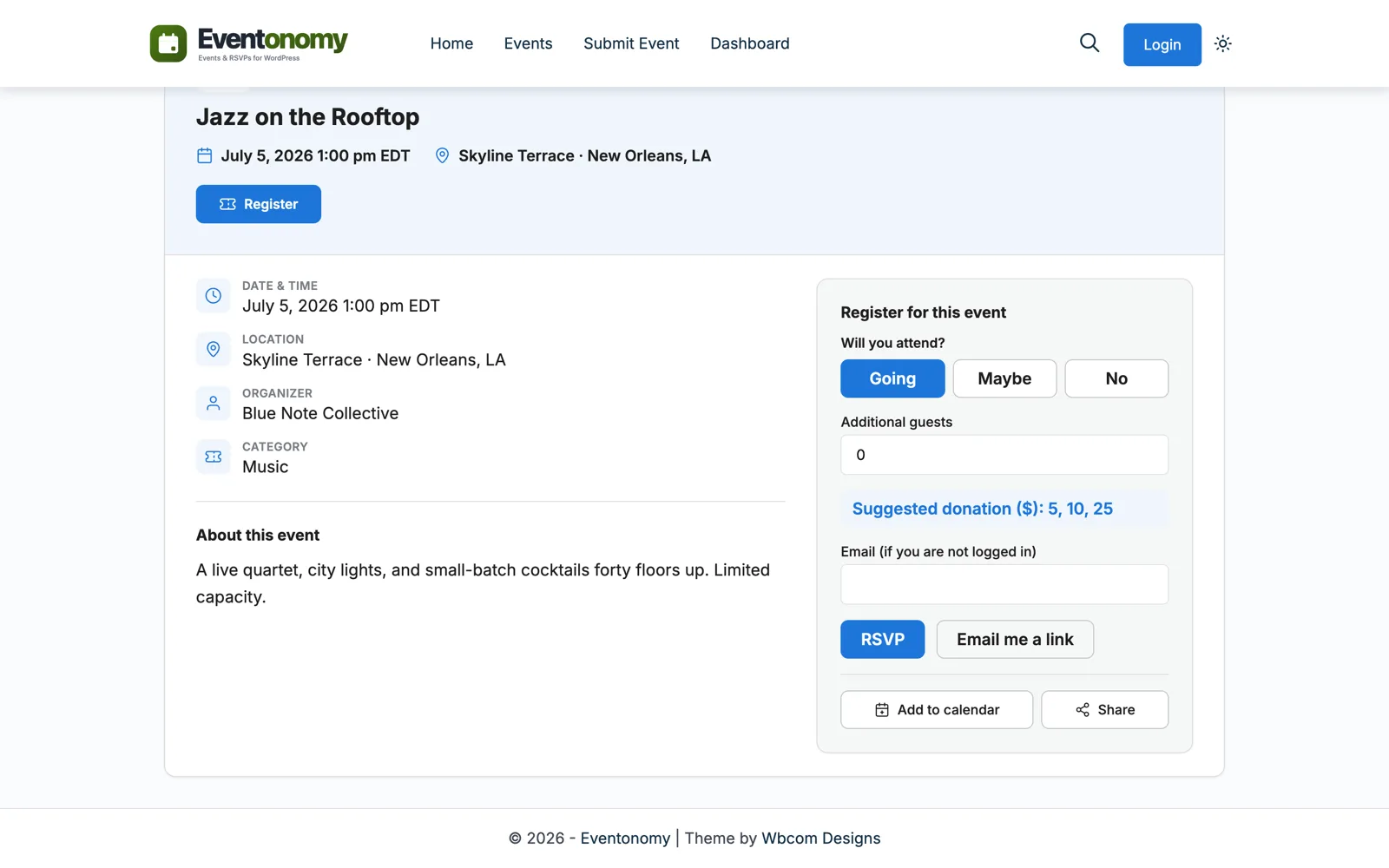
A six-week course is one recurring rule: every Monday at 7:00 pm, six times. Students add sessions to Apple, Google, or Outlook with one click.
Grows with you
Eventonomy is not an LMS, and that is the point: it does live sessions well. When you add self-paced material, Learnomy LMS comes from the same maker and the same design language.
One WordPress site runs the kickoff event, the course content, and the community.
Explore the ecosystemOne cohort
You publish the 6-week series with early-bird and standard seats, 20 total.
Early-bird sells out through Stripe. Buyers add all six sessions to their calendars.
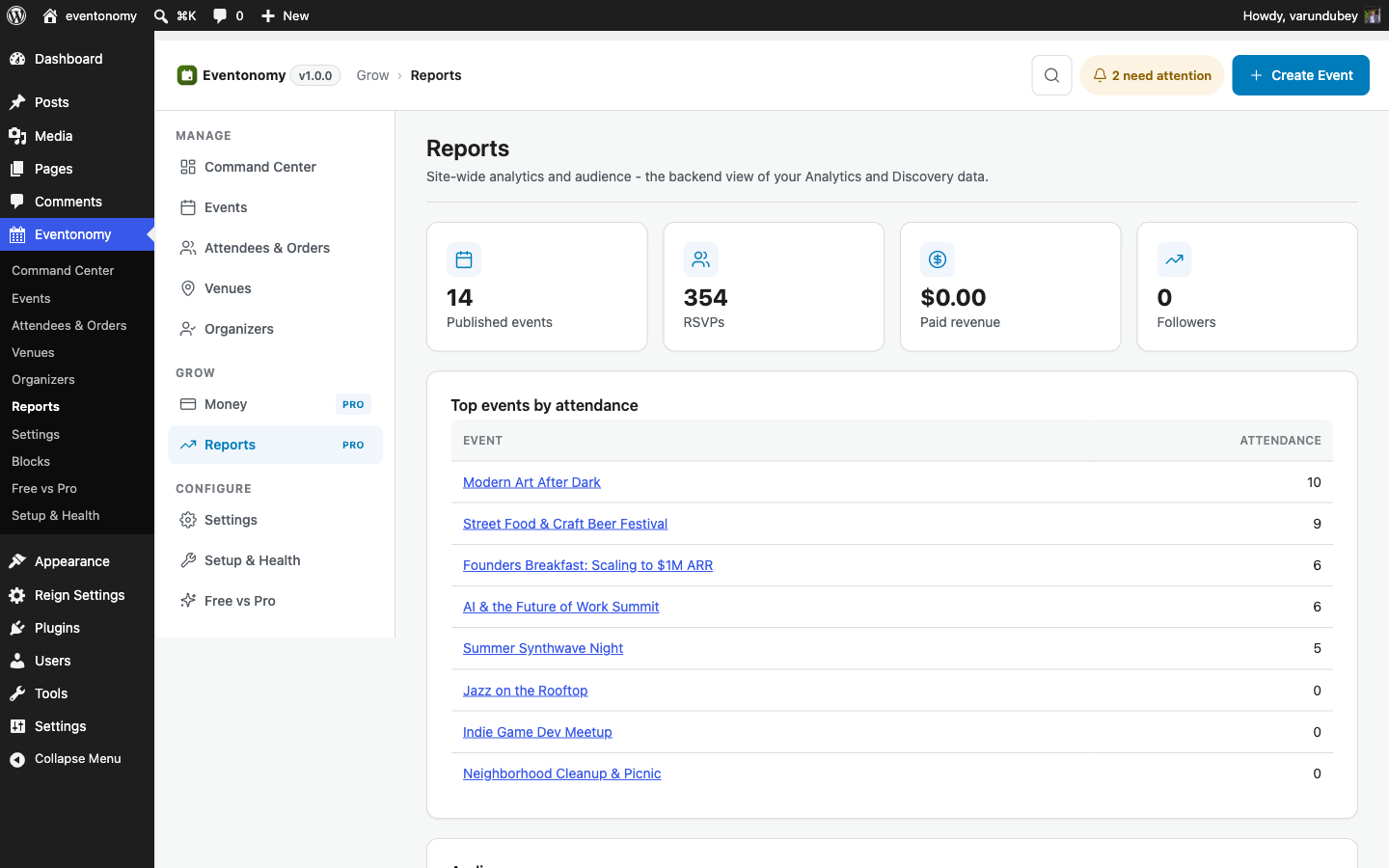
18 seats sold. Reports show revenue per ticket type at a glance.
The reminder email and SMS go out for Monday's session. Attendance stays high.
Cohort done. You duplicate the series for the next one and change the dates.
Which plan?
Free workshops and RSVP-only sessions run on the free plugin. The day you sell a seat, you need Pro: paid checkout, coupons, reminders, and reports.
Questions
Eventonomy Pro checks out through Stripe, PayPal, or WooCommerce. Coupons, tax, and booking fees are computed at checkout.
No. Eventonomy handles the session, the seats, and the reminders. When you grow into courses and lessons, Learnomy LMS from the same maker pairs with it.
Yes, free. Every event offers ICS downloads for Apple, Google, and Outlook, and a subscribable feed keeps a whole series in sync.
Publish the series, set the seat price, share the link. The platform fee stays at zero.