The RSVP form
Going, maybe, or no with guest counts. Members register in one click, guests use a name, an email, and a magic link. RSVP details.
Features · Registration
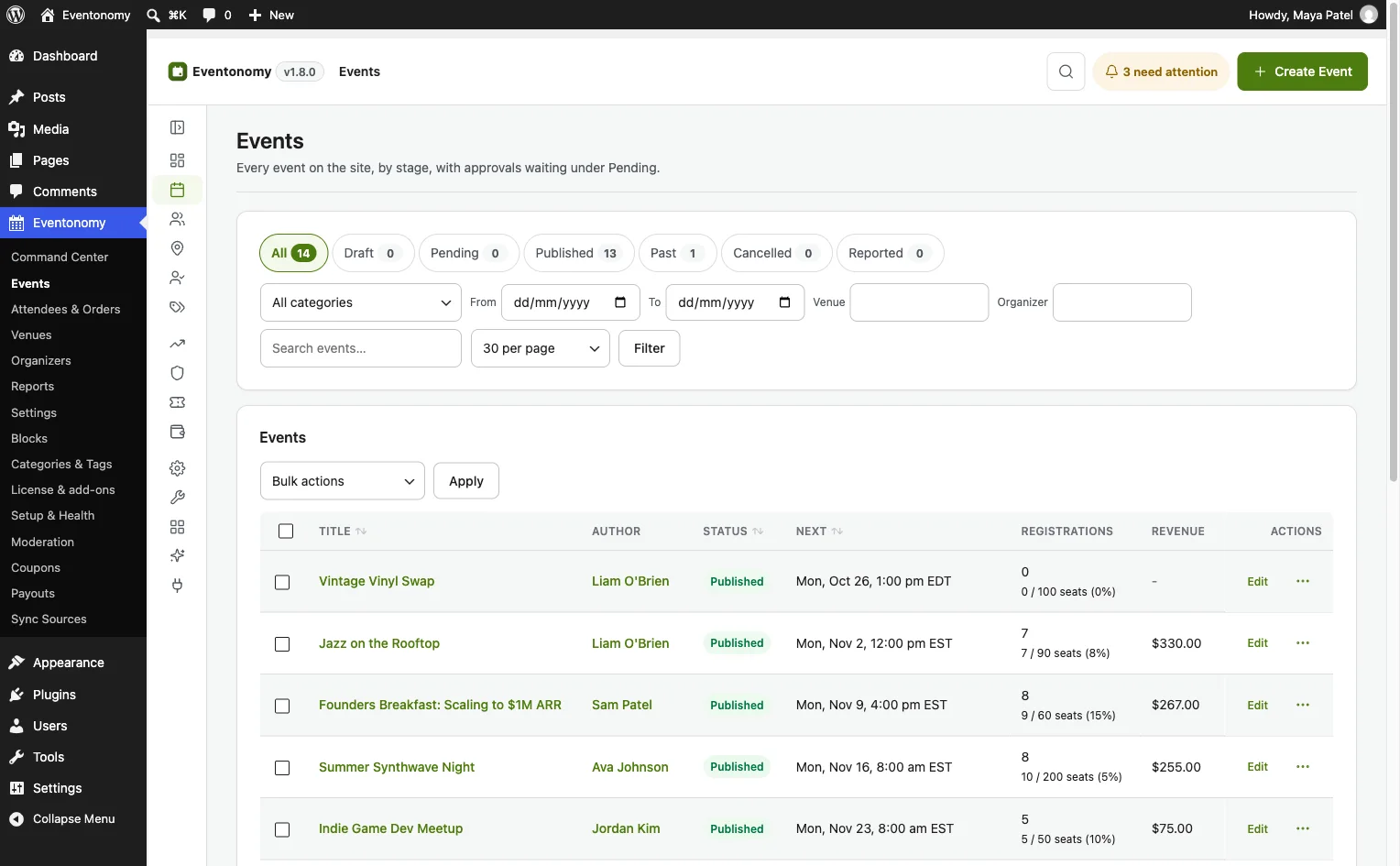
Registration is more than a form. Eventonomy pairs the RSVP form with questions, capacity, confirmation emails, an attendee admin, and door check-in in Pro.
The full loop
Going, maybe, or no with guest counts. Members register in one click, guests use a name, an email, and a magic link. RSVP details.
Ten answer types, from short text and paragraphs to dropdowns and checkboxes, required or optional. Answers are stored with each registration. Switch Custom questions on under Settings, Registration first.
Cap registrations per event. On free RSVP events, overflow joins the waitlist and is promoted automatically when a spot opens. A sold-out paid event takes a name and email for its waitlist, and you admit people yourself.
Branded HTML emails confirm every registration. Sender name and address are yours to set. Email docs.
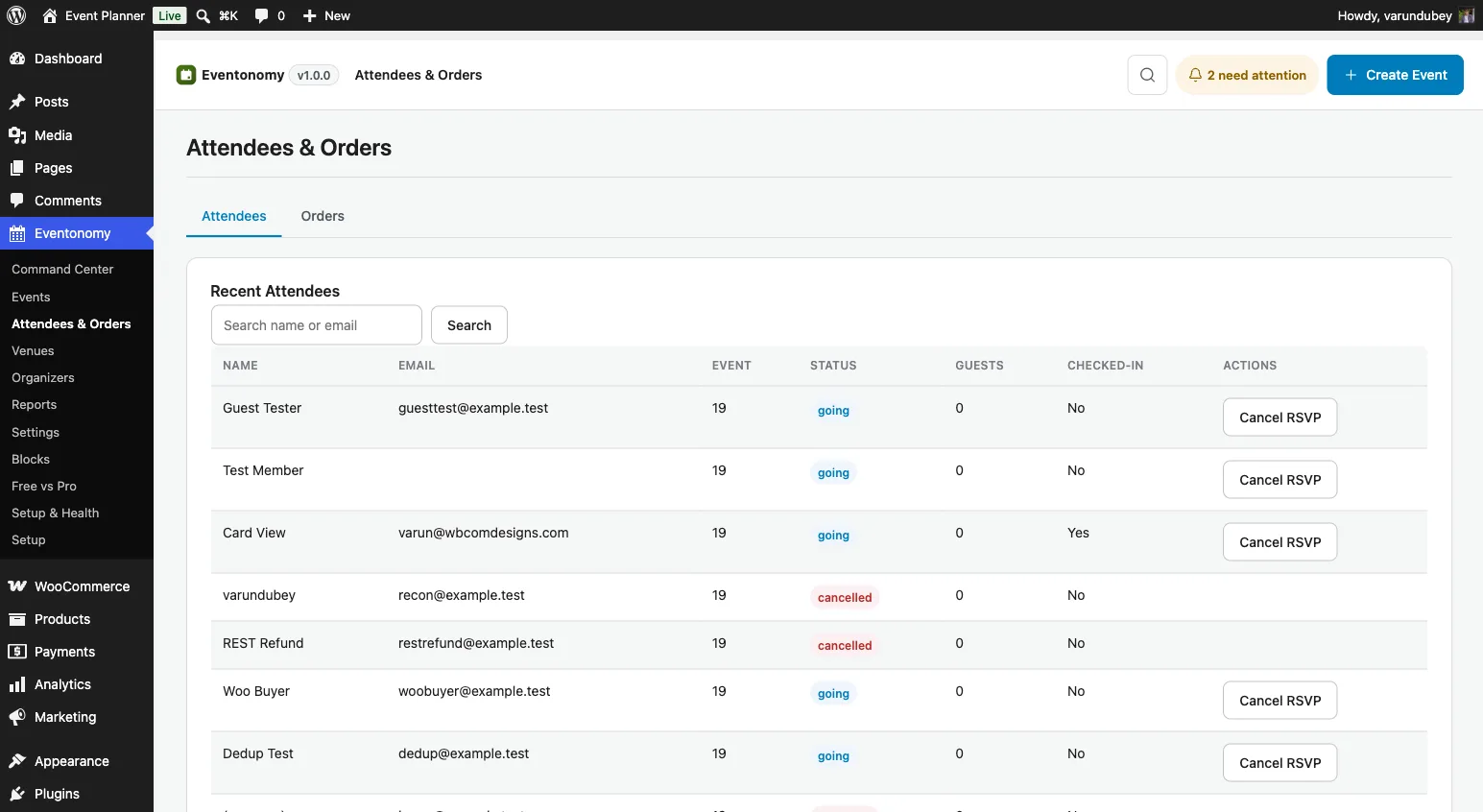
The Attendees & Orders screen lists every registration with filters, search, and status editing.
Check attendees in at the door with their secure ticket token, from any phone. Check-in docs.
Attendees & Orders
Every registration shows the attendee's name, email, status, party size, check-in state, and registration time. Organizers change a status right from the list.
Registration emails
These fire automatically in the free plugin. Pro adds custom reminder timing, SMS via Twilio, and fully custom email templates.
| When it sends | Who gets it | |
|---|---|---|
| RSVP confirmation | Attendee submits an RSVP | The attendee |
| Magic-link management | A guest RSVPs or requests a new link | The guest |
| Waitlist promotion | A spot opens and a waitlisted attendee moves up | The promoted attendee |
| Event cancellation | The event is cancelled | All going attendees |
| Event reminder | A day and an hour before the event starts | Going attendees |
Keep exploring
Video
More videos on this
Free covers forms, capacity, emails, reminders, and attendee admin. Pro adds check-in and paid tickets.
Quick and helpful support The supporters, i.e Manuzza Zaidi, have been very helpful and provided some css code even for other plugins.
Fast and knowledgeable staff. The support team goes beyond and above their roles by consulting and sharing their extensive knowledge in trying to solve a problem.
Very responsive, helpful, patient, and solve big problems for me. Great customer service!
Had a minor issue with displaying information in the Resume Manager. Opened a ticket and had the issue fixed the same day. Great job!
It was really great working with shashank from wbcom designs on my project!
A huge thanks to Wbcom Designs for their unparalleled support and cooperation. Their WordPress expertise truly shines through in their work. Highly appreciated and recommended!
I recently purchased the Buddyx Theme and the support that I have been receiving from WBCom is nothing short of amazing! They truly stand behind their product in every sense!
Support staff is responsive and knowledgable
Camilia solved my support request very fast and I am thrilled. So glad I made this purchase.
Quick and accurate. I just started, so more as time passes. Kenneth Babb