Guests will not create accounts
Aunt Rosa is not signing up for a website to say yes to a wedding. Any RSVP flow with a password loses her.
For wedding and private-event planners
No accounts, no apps. Guests click the link, say yes, pick a meal, and add their plus-one. You watch the headcount settle in real time.
Guest RSVPs, meal questions, and CSV exports are all in the free plugin
Sounds familiar?
Aunt Rosa is not signing up for a website to say yes to a wedding. Any RSVP flow with a password loses her.
Chicken or salmon, one guest at a time, across three chat apps. The caterer deadline does not care.
Plus-ones appear, cousins cancel, and the seating chart is redrawn nightly from a messy spreadsheet.
Guest RSVPs · Free
Guests RSVP straight from the invitation link. Eventonomy emails each guest a signed magic link, so they can update or cancel without ever logging in.
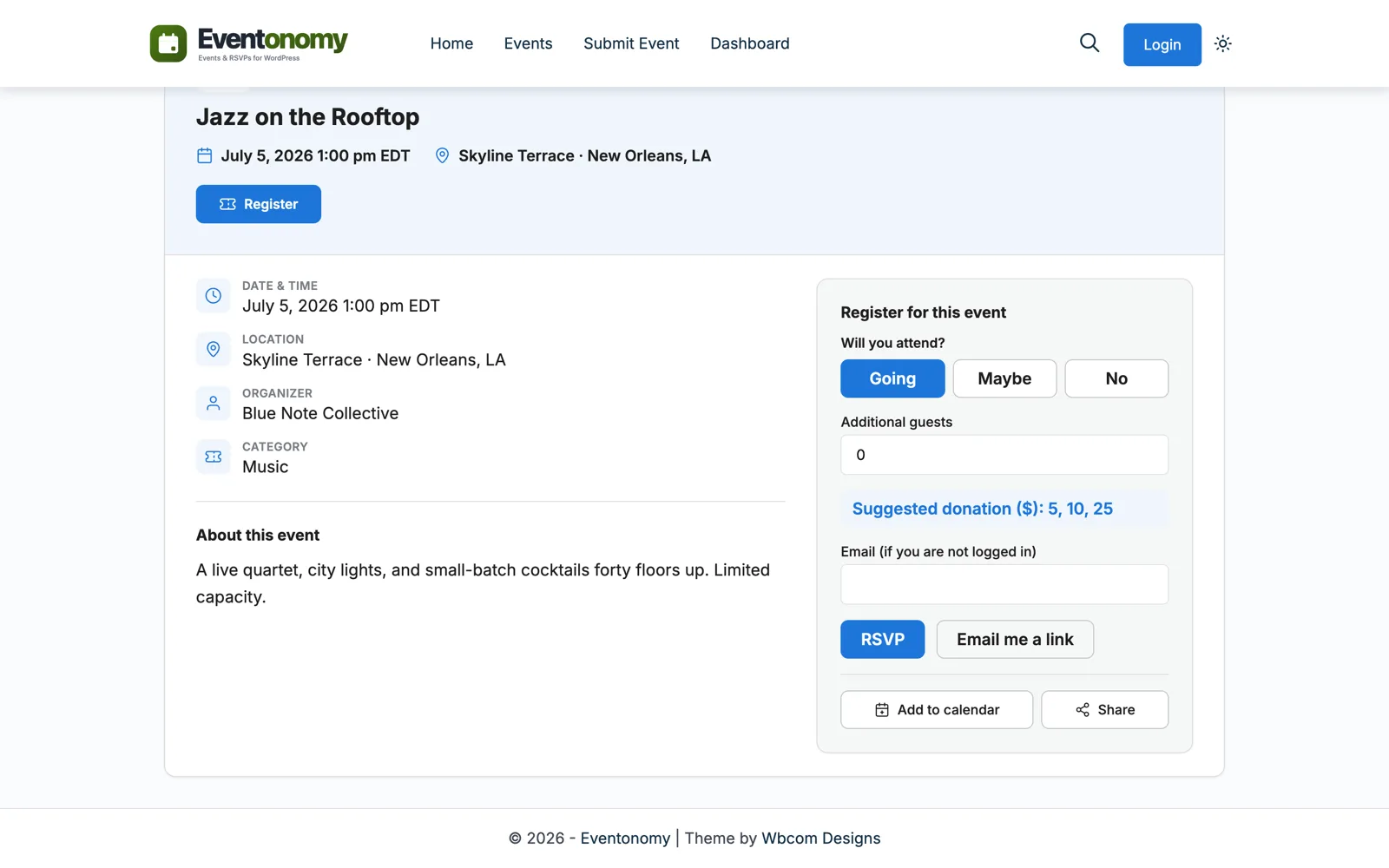
Questions and guests · Free
A required dropdown collects the meal choice with the RSVP. Guest counts and capacity keep the total honest, plus-ones included.
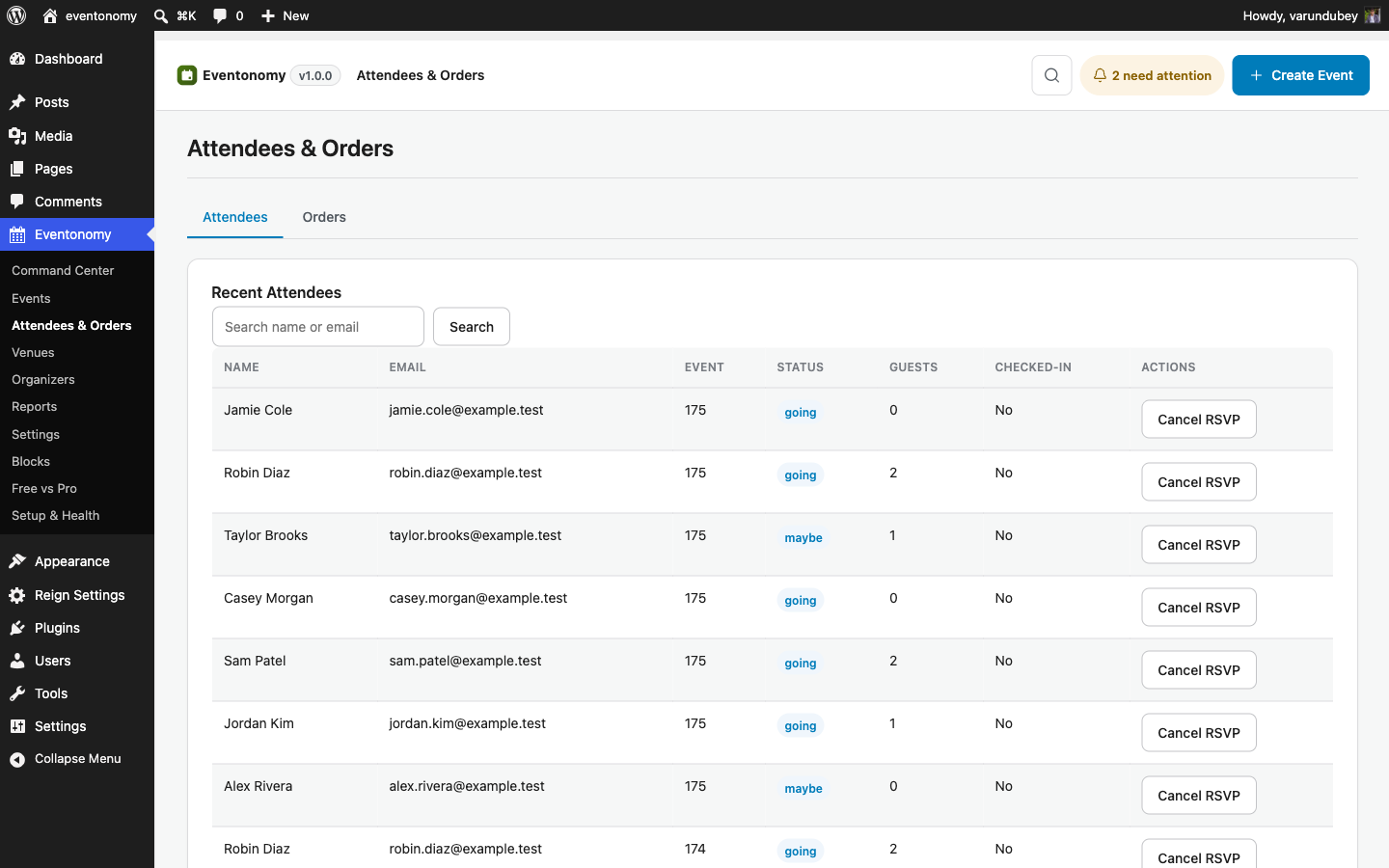
Exports · Free
When the deadline hits, export the attendee list to CSV. Names, guest counts, and every meal answer, in one spreadsheet-ready download.
Control
Build the page as a draft, keep it Private while the couple and your team review, then publish with the invitations.
The RSVP season
You build the event page with meal questions and a plus-one limit. It stays draft.
Invitations go out with the link. RSVPs start landing the same evening.
A guest's plans change. Her magic link updates her answer, no call to you.
CSV to the caterer: 96 guests, meal counts final, dietary notes attached.
The seating chart matches reality. You planned a wedding, not a spreadsheet.
Which plan?
Guest RSVPs, meal questions, plus-ones, capacity, and CSV exports are all free. Planners who also sell tickets to showcases or open houses add Pro.
Questions
No. Guests RSVP with their name and email. They get a magic link by email to change their answer or cancel later, no login ever.
Add a dropdown question like "Meal choice" with your menu options and mark it required. Answers appear next to each RSVP and in the CSV export.
Private visibility limits an event to logged-in users with access, which suits planner teams. For guests without accounts, publish the page and share the link only, and note it will appear in your site event listings.
Set up the RSVP page in an afternoon. Your guests will finish it in a minute.