Overview
Eventonomy is a community-first event platform for WordPress. It runs on custom database tables, a fully REST API-driven backend, and Gutenberg blocks powered by the WordPress Interactivity API, giving you fast, scalable events without the overhead of custom post types.
What You Will Learn
- What Eventonomy is and who it is for
- What the Free plan includes
- What Eventonomy Pro adds
- The nine blocks and how they fit together
Who It Is For
Eventonomy is built for three roles that often overlap:
- Site owners who want to run community events, meetups, workshops, or conferences on their WordPress site.
- Organizers (members) who create and manage events, submitting details, handling RSVPs, tracking attendees.
- Attendees (members and guests) who discover events, RSVP, bring guests, and subscribe to calendar feeds.
What the Free Plan Includes
The Free plugin covers a full event-management workflow:
- Unlimited events - no cap on how many you create.
- RSVPs - going / maybe / no / waitlist, with guests and an optional capacity cap.
- Custom RSVP questions - short text, paragraph, dropdown, or checkbox, required or optional. The site owner writes one shared question bank; each event picks which of those questions it asks.
- Guest RSVPs - name + email flow with a magic management link (no account needed).
- Recurring events - daily, weekly, or monthly series with a materialized occurrence schedule. (Yearly, specific weekdays, "the last Friday of the month" and skip dates are Pro.)
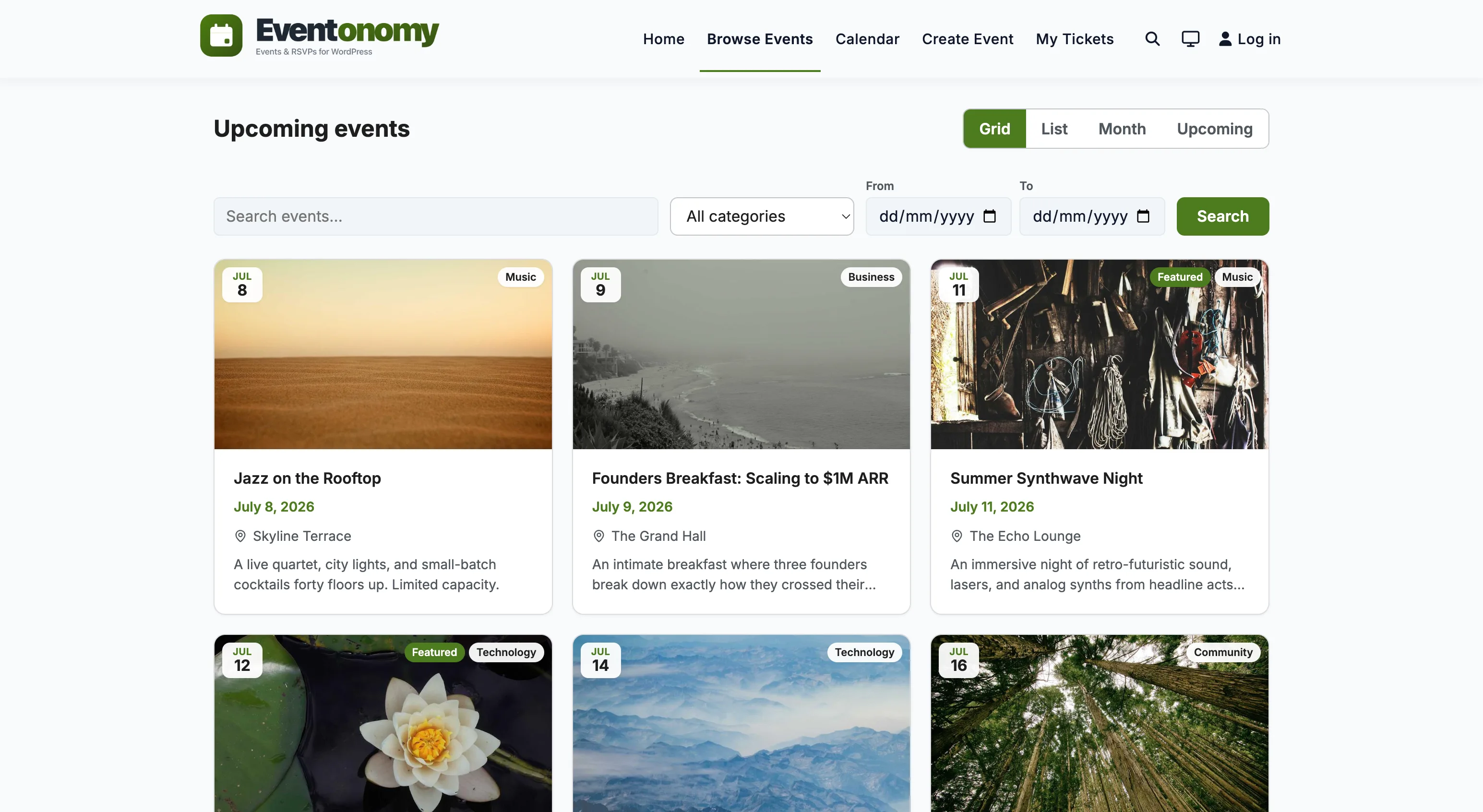
- Four views - Grid, List, Month calendar, and Upcoming; a view switcher lets visitors toggle between them.
- Calendar feed - a subscribable ICS feed and per-event .ics download with "Add to calendar" links.
- Shared Venue & Organizer catalog - reusable directory entries that any event can reference.
- Member Dashboard - a
/manage-events/hub where organizers manage their events and RSVPs in one place. - Nine blocks - calendar, event-editor, events-list, manage-attendees, my-events, rsvp, search-filter, single-event, upcoming.
- Full admin console - Command Center, Events, Attendees & Orders, Venues, Organizers, Categories & Tags, Blocks, Tools (importer and demo data), Setup & Health, and Settings. A Reports screen is present too, but it is a Pro surface: without Pro (or with Analytics turned off) it explains that reporting is part of Eventonomy Pro rather than showing data.
What Eventonomy Pro Adds
Pro features are marked with a Pro badge throughout this documentation.
- Paid tickets with checkout: Stripe, PayPal, or your site's own checkout (WooCommerce).
- Taxes, booking fees, and coupons.
- Refunds plus a platform fee ledger and organizer payouts.
- QR ticket codes - each attendee gets a scannable ticket for door check-in.
- Week and Day calendar grids.
- Maps and geocoding (Nominatim, Mapbox, or Google Maps).
- Door check-in scanner.
- Organizer analytics and a backend Reports screen.
- Discovery feed and organizer following.
- SMS notifications via Twilio with an optional phone field.
- Custom reminder timing (the Free plan already reminds attendees 1 day and 1 hour before each event).
- Custom email templates.
- Conversion tracking (Google Analytics 4 + Meta Pixel).
- Nine Pro blocks (under the separate
eventonomy-pro/prefix): checkin, day-view, discovery-feed, follow-button, map-view, member-events, organizer-analytics, photo-grid, week-view. Four of them - discovery-feed, map-view, organizer-analytics and member-events - only register once their feature or integration is switched on, so a default Pro install shows five.
What's Next?
Install the plugin and activate it on your site.